Can AI Replace a Webflow Developer? What Actually Matters in 2026

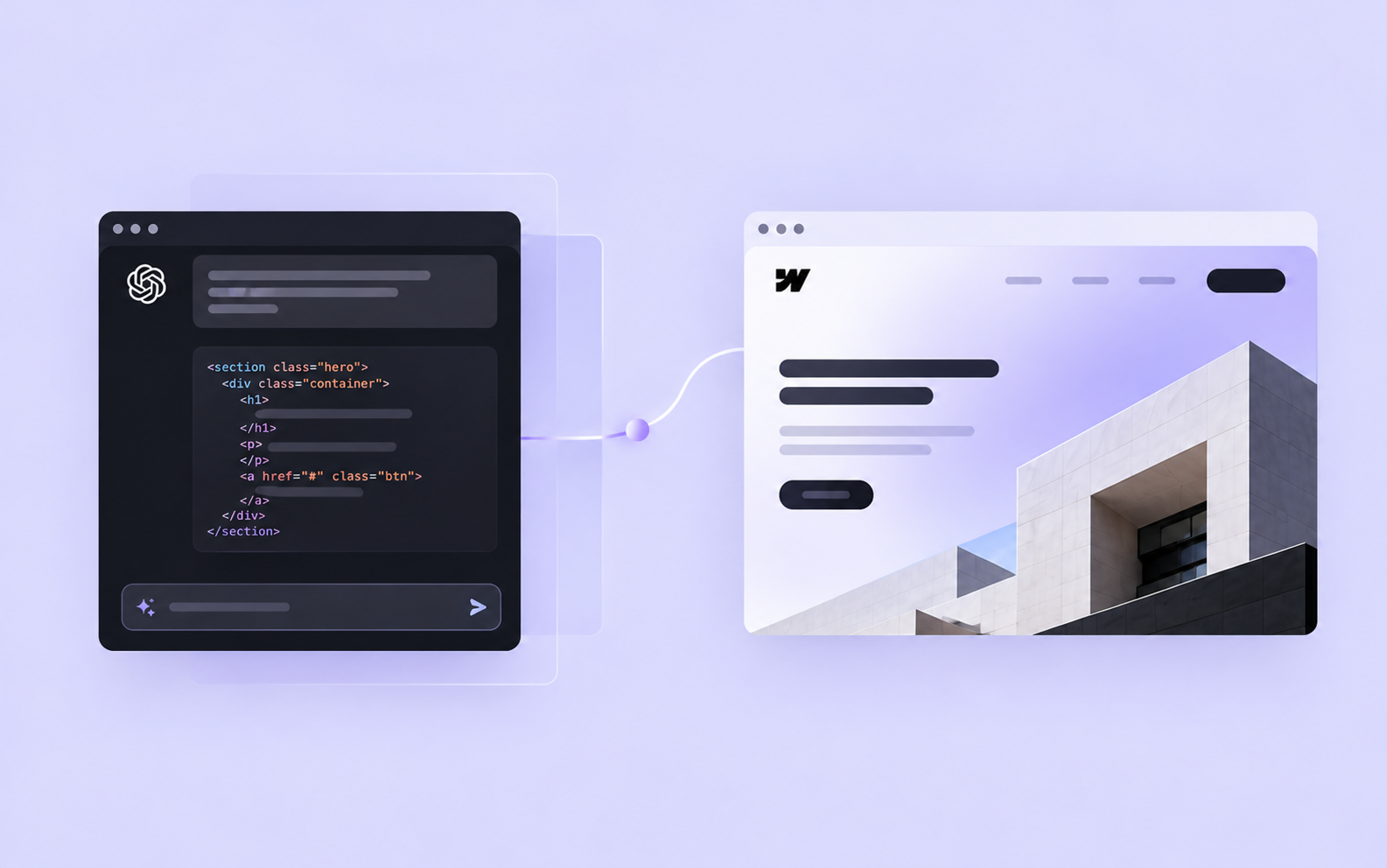
AI can now generate websites, write code, build interactive components and even make changes directly inside Webflow. What used to take hours can sometimes be done in minutes, and you don't necessarily need development experience to get started.
So, if you're planning a new website, do you still need to hire a Webflow developer?
I think the answer depends on what you're trying to build. For a simple website, AI might be all you need. But when a project involves more complicated requirements, integrations or long-term maintenance, there's still a significant difference between generating a website and delivering one that's ready for real business use.
And as someone who works with Webflow and uses AI tools regularly, I think it's worth looking at both sides.
AI is already changing how websites are built
There's no point pretending AI is only useful for generating basic layouts or writing a few lines of CSS. The tools available today are considerably more capable than they were even a year ago.
Webflow's own AI Site Builder can generate a multi-page website based on a description of your business, including its structure, content and visual design. You can then customize the result directly in Webflow. For someone who needs a relatively straightforward website, this can be a perfectly reasonable starting point.
Webflow also supports AI-generated code components, allowing users to create interactive elements such as pricing calculators, forms and galleries without writing the code manually. With its MCP integration, external AI tools can even interact with Webflow sites, create pages and manage content.
I use AI in my own development workflow, particularly when working with JavaScript, debugging unfamiliar problems or exploring different implementation approaches. It can save time on repetitive tasks and help me evaluate possible solutions before committing to one.
But being able to generate something doesn't necessarily mean it's the right solution for a particular project. That's where experience still matters.
Building a website involves more than generating pages
One of the biggest challenges in website development happens before anything gets built. You need to understand what the business actually needs, how people will use the website and what the client expects to manage themselves after launch.
Take a multilingual website with a large CMS, for example. You need to decide how content should be structured, which fields should be shared between languages, how URLs will work and how the team will manage translations. These decisions affect SEO, maintenance and the cost of future changes.
AI can certainly suggest an architecture, compare different approaches and even implement parts of the solution. But those recommendations still need to be evaluated against the project's requirements, Webflow's capabilities and the client's budget.
I've worked on projects where this planning made a considerable difference. For Zieleniec Sport Arena, the website needed to display live information about ski slopes, operating lifts and weather conditions while allowing the resort's team to manage content independently.
Webflow handled the website and CMS, while Cloudflare Workers supported additional functionality and external data integrations. The challenge wasn't simply getting information onto a page. It was building a system that would remain practical for the people using it every day.
AI can help implement parts of that architecture, but someone still needs to understand how everything fits together, test the integrations and make sure the final result meets the client's needs.
The difference becomes clearer in production
A website can look finished long before it's ready to launch. A working layout doesn't tell you much about accessibility, performance, security or how the website will behave when real users start interacting with it.
This is particularly important when AI generates custom code. The output might work perfectly in a demonstration but still contain problems that aren't immediately visible.
According to Veracode's 2026 GenAI Code Security Report, approximately 44% of AI-generated solutions in its security tests introduced a known vulnerability. That doesn't mean 44% of all AI-generated code is insecure, but it shows why generated functionality shouldn't automatically be considered production-ready.
For a simple animation, a mistake might mean something doesn't display correctly. For a checkout, authentication system or integration handling personal information, the consequences can be considerably more serious.
Another consideration is maintainability. If AI generates hundreds of lines of custom code, someone needs to understand how that code works, whether it's necessary and how to modify it later. Otherwise, a feature that took minutes to generate might become difficult to maintain.
This doesn't mean developers always write better code than AI. Human-written code can contain security flaws and architectural mistakes too. The important part is having a reliable process for reviewing, testing and maintaining whatever gets built.
What about website design and user experience?
AI is also becoming increasingly capable of producing attractive website designs. It can generate layouts, suggest typography, create visual assets and adapt existing components to a design system.
For standard landing pages, the results can already be quite good. However, visual quality is only one part of effective website design.
A website also needs to communicate clearly, support business goals and make it easy for visitors to find what they're looking for. Sometimes that means simplifying navigation, reorganizing content or removing a visually impressive element because it makes the page harder to use.
AI can help analyze these problems and suggest improvements. With enough context, it can even make surprisingly good recommendations. But those recommendations still need to be tested against real user behavior and the client's objectives.
My background in UX is useful here because I don't approach Webflow development as simply reproducing a design. I also consider how the website will be used, how content is organized and whether the proposed solution makes sense from a usability perspective.
A website shouldn't just look good when it launches. It should continue working well as the business grows and its requirements change.
Do you actually need a Webflow developer?
Not every website needs a developer, and I think that's worth saying.
If you're building a personal website, a simple landing page or an early prototype, AI-powered tools might be enough. You can experiment, launch something relatively quickly and make improvements as you learn what works. For smaller projects with limited technical requirements, hiring a developer might not be the best use of your budget.
The situation changes when your website becomes an important part of your business. If you need complex CMS structures, custom integrations, advanced animations, multilingual functionality or specific performance requirements, working with an experienced developer can make a real difference.
The same applies when you already have an AI-generated website that looks promising but needs to be prepared for production. In some cases, the existing work can be improved. In others, rebuilding certain parts may be more practical than maintaining a complicated structure that wasn't designed for long-term use.
A good developer shouldn't automatically recommend rebuilding everything. They should understand what's already there, identify the problems and explain which changes are worth making.
That's also how I approach my own projects. I don't avoid AI, and I don't think writing every line of code manually makes someone a better developer. I use the tools that make sense for the job while keeping responsibility for the decisions and final implementation.
Where does this leave Webflow developers?
I don't think anyone can confidently predict how much of website development AI will automate over the next few years. The technology is improving quickly, and tasks that required specialized knowledge not long ago are becoming increasingly accessible.
Developers who mainly assemble standard layouts will probably face more competition from AI tools. That's not necessarily a bad thing. Making website development more accessible allows more people to create things without needing a large budget or technical team.
At the same time, building a successful website still involves understanding requirements, evaluating trade-offs, solving unexpected problems and making sure everything works together.
I expect AI to become an increasingly important part of that process. It may handle more of the implementation, but the need for good decisions, clear communication and accountability isn't going away simply because generating code becomes easier.
For businesses, the question shouldn't be whether a website was built by AI or a developer. It should be whether the final result is reliable, maintainable and actually does what the business needs.
That's what I'd focus on when deciding how to build your next website.
Need a scalable website for your business?